Goalscorer comparison tables
Show anytime, first and last goalscorer odds side by side across bookmakers so users can spot the best price for a specific player. Useful for building comparison pages for popular strikers ahead of big fixtures.
Player Props API
Structured odds for anytime goalscorer, cards, shots, assists and saves markets, in the same JSON schema and bookmaker codes as our match odds feed.
Why player props odds data
Player props are some of the most searched football betting markets, but the odds are scattered across bookmaker sites in different formats. Anyone building a comparison table, an alert tool, or a tipster service for anytime goalscorer, cards, shots or assists markets needs this data in one consistent structure. That means pulling odds for the same player and market across multiple bookmakers without scraping each site separately. This page covers what player props odds data is used for and how it is structured before you get to specific endpoints.
Show anytime, first and last goalscorer odds side by side across bookmakers so users can spot the best price for a specific player. Useful for building comparison pages for popular strikers ahead of big fixtures.
Track odds movement on cards, shots on target or assists markets and trigger alerts when a bookmaker's odds move against the field. Handy for building value-spotting tools around disciplinary and attacking stats markets.
Pull consistent player prop odds into tipster platforms or match preview content without manually checking each bookmaker's site. One data source across markets keeps published tips and articles accurate and up to date.
Use historical and current player prop odds as an input for statistical models or staking research, alongside match odds from the same feed. Same schema means goalscorer, cards and shots data slot into existing pipelines without extra parsing work.
Catalogue
Availability follows the bookmakers. If they offer it, we return it. Full list on market coverage.
List fixtures, then pull package=full for one event.
GET /v1/football/events?schedule_date=YYYY-MM-DD&has_odds=true&per_page=10

GET /v1/football/events/EVENT_ID/odds?package=full&odds_format=decimal

GET /v1/football/events/EVENT_ID/odds/best?odds_format=decimal
Auth: X-Api-Key. Full odds count as two requests.
curl "https://api.ukoddsapi.com/v1/football/events/EVENT_ID/odds?package=full&odds_format=decimal" \
-H "X-Api-Key: YOUR_KEY"Player names as outcomes. Bookmaker codes on each selection.
{
  "event_id": "evt_123",
  "odds_format": "decimal",
  "bookmakers": [
    { "code": "UO004", "name": "Bet365" },
    { "code": "UO022", "name": "Sky Bet" }
  ],
  "markets": [
    {
      "key": "anytime_goalscorer",
      "name": "Anytime Goalscorer",
      "outcomes": [
        { "name": "Haaland", "odds": 1.80, "bookmaker_code": "UO004" },
        { "name": "Haaland", "odds": 1.91, "bookmaker_code": "UO022" }
      ]
    }
  ]
}
For builders
Comparison, scanners, alerts - the same patterns as match odds, pointed at scorers and stats.
Pull anytime / first scorer odds across bookmakers and rank the best odds per player.
Open →Same table as 1X2 - but for shots, cards, and scorers. Best odds per selection.
Open →Watch a player’s anytime-scorer or shots line and ping Telegram when a bookie moves.
Open →Every grouped market we return - scorers, player stats, cards, corners, combos.
Open →UKOddsAPI powers 100s of full-featured betting products built on clean, normalised UK bookmaker odds. Our users use our API to build arbitrage scanners, value bet detectors, Telegram bots, odds comparison apps, and more.
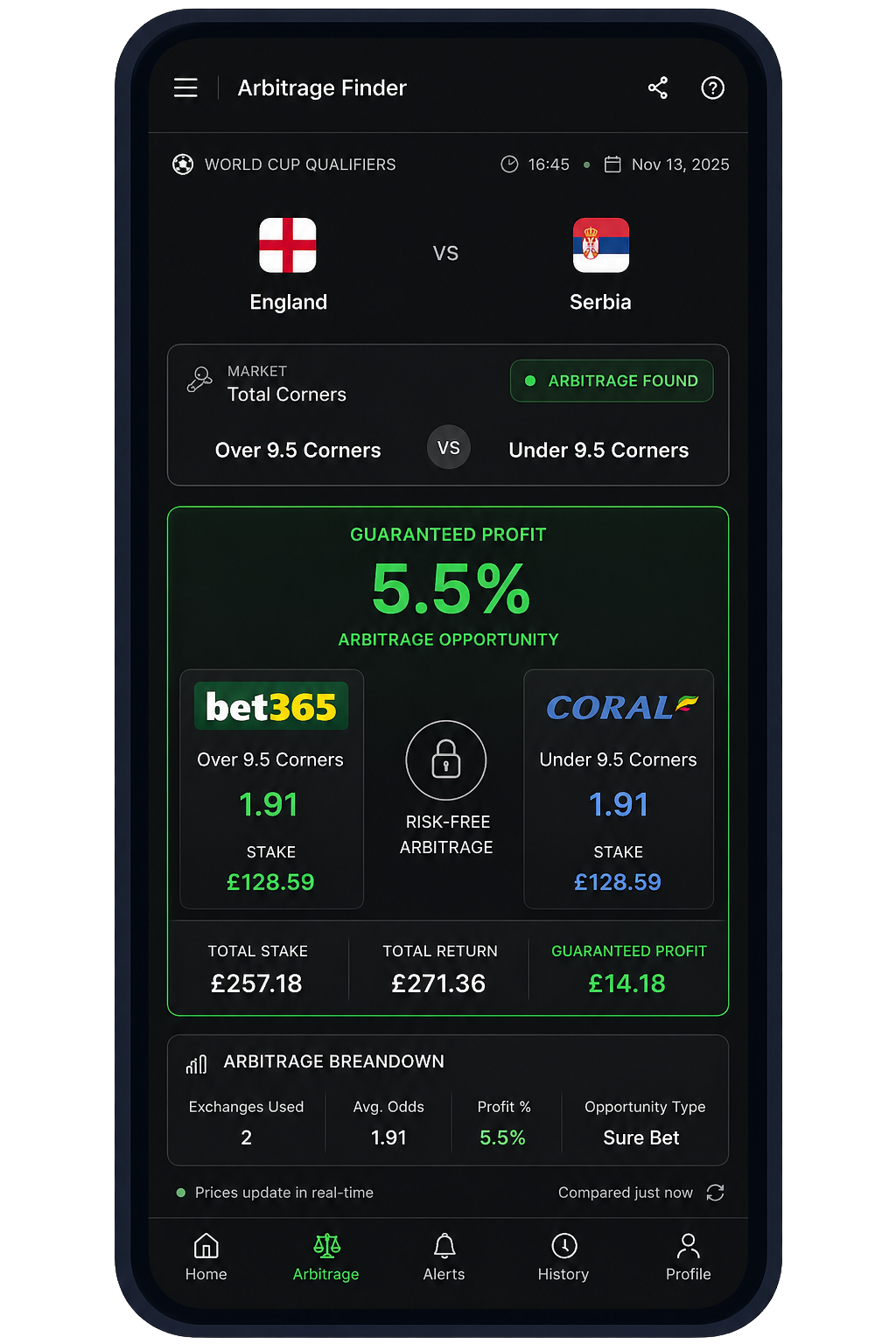
Spot real-time cross‑bookmaker edges and output stake splits.
Ask AI how to build this with UKOddsAPI
UK bookmakers that offer these markets
Goalscorer, cards, shots, assists and saves odds from UK bookmakers, structured for comparison tools and research.


































Pricing
Player props odds are included on the Pro plan. See the pricing page for full plan details and request limits.
£79/month
Billed today · no trial
For prototypes and early builds
£149/month
7 days free · £0 due today
For production apps and dashboards
£359/month
Billed today · no trial
For arbitrage tools and revenue-generating systems
FAQ
A REST feed that returns player-level football markets - goalscorer, shots, assists, cards - as JSON across UK bookmakers. UK Odds API includes these on Pro via package=full with the same schema as match odds.
An odds API that returns markets on a named player - goalscorer, shots, assists, cards - not just match result and totals. Most public odds APIs stop at 1X2 and over/under. We include UK player markets on Pro via package=full.
Same family. “Player props” is the US phrase. In the UK you will also see player markets: shots, tackles, fouls, passes, saves. This page covers both. Goalscorer sits in the same feed.
Pro (and above). Request fixture odds with package=full. Core is match markets only. Full responses count as two requests against your quota.
Where Bet365 (UO004) has the market, yes. Same JSON as Sky Bet, Paddy Power, William Hill and the rest. Filter bookmaker_codes if you only want one bookmaker.
The product is UK pre-match football odds, including player markets where bookmakers have posted them. It is not a live sportsbook or in-play trading socket.
Sign up for a Pro trial, list events, then GET /odds with package=full. The playground at api.ukoddsapi.com/docs shows a real payload. The catalogue is on /market-coverage.